Playwise365 deposit and withdrawal: UPI, PayTM & bank transfer guide

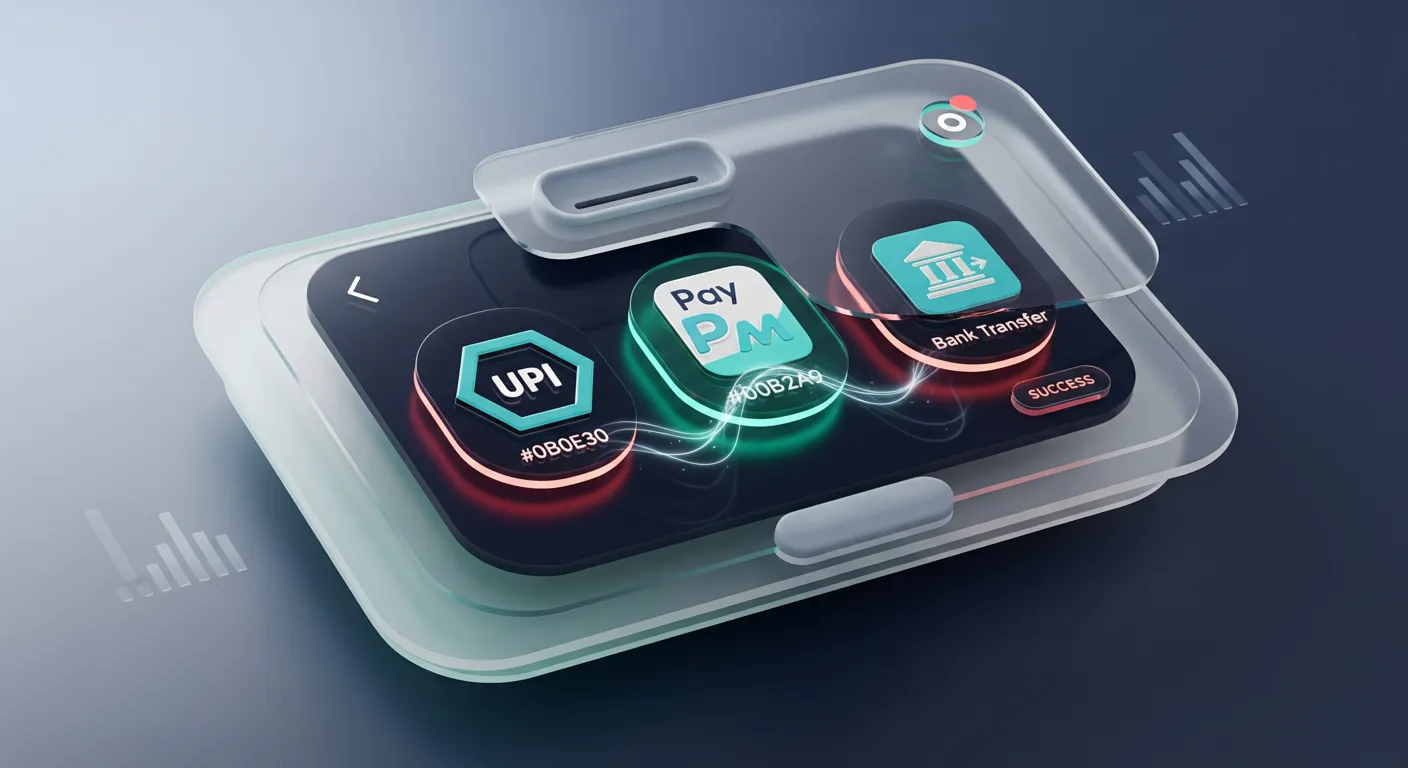
Phone with UPI payments and an INR wallet concept, representing Playwise365 deposits and withdrawals

Playwise365 payment methods are built for INR users who want fast deposits and straightforward withdrawals. This guide explains supported options, step-by-step flows, common verification checks, and how to avoid delays—plus links to other key setup pages like the playwise365 app download.

Before you start, make sure your profile details match your payment account (name and mobile number), as mismatches are a common reason for withdrawal review.

Nalin Deshpande Mar 9, 2026 Last update

Supported INR payment methods

Playwise365 typically supports popular India-first rails so you can fund your account without cards. Availability can vary by device, bank uptime, and payment gateway status, but these are the common options players look for:

If you’re choosing between options, UPI is usually the fastest for deposits, while withdrawals may be processed to the same method or to an approved bank account depending on the cashier flow and your verification status.

Deposit: step-by-step (UPI, PayTM, bank)

Deposits are designed to be instant, with a minimum deposit of ₹1,000.

  1. Open the cashier/payments section in your Playwise365 account.
  2. Select UPI as your payment method.
  3. Enter your deposit amount (₹1,000 or more).
  4. Choose a UPI app (for example, Google Pay/PhonePe) or use a UPI ID option if shown.
  5. Approve the collect request in your UPI app.
  6. Wait for the success confirmation and return to Playwise365.

UPI tips:

  • Approve within the time window shown in your UPI app to avoid an expired request.
  • Ensure your UPI app is linked to the same mobile number you registered with, where possible.

PayTM casino deposit steps

A PayTM casino deposit typically follows a similar flow:

  1. In cashier, choose PayTM.
  2. Enter the amount.
  3. Authorize via PayTM (app or OTP flow, depending on the gateway).
  4. Return to the site/app after confirmation.

If PayTM isn’t visible at a particular moment, it can be temporary—try UPI as a fallback.

Bank transfer / netbanking-style deposit (when available)

  1. Choose bank transfer/netbanking in the cashier.
  2. Select your bank (e.g., HDFC, SBI, ICICI, depending on the list shown).
  3. Complete authorization (OTP/app approval).
  4. Confirm the payment and wait for the deposit to reflect.

Banking methods can be affected by bank maintenance windows, so if a payment is pending, give it a few minutes before retrying.

Withdrawal: step-by-step and INR withdrawal time

Withdrawals are commonly processed in up to a few hours, but actual arrival time can depend on verification status, payment method, and bank processing.

How to request a withdrawal

  1. Go to the withdrawal section in cashier.
  2. Choose the withdrawal method offered (often UPI or bank account).
  3. Enter the amount and confirm.
  4. Complete any required security step (OTP/2FA if enabled).
  5. Track the status in your account history.

Understanding INR withdrawal time (what “a few hours” means in practice)

A “few hours” typically covers:

  • Internal review/approval time (especially for first withdrawals)
  • Payment gateway processing
  • Bank/UPI settlement time

If this is your first cashout, expect additional checks (KYC review and method ownership validation). These checks are normal and help prevent fraud.

Need help?

Fees, limits, and common payment rules

Rules can vary by cashier configuration, but these are standard patterns to plan for:

  • Minimum deposit: ₹1,000.
  • Deposits: usually instant once approved in your UPI/PayTM/bank flow.
  • Withdrawals: commonly up to a few hours, especially after KYC is complete.

Common rule reminders:

  • Use a payment method you control (same name as your account profile where possible).
  • Don’t switch between many different deposit methods during verification; it can trigger extra checks.
  • If the cashier requires you to withdraw to the last-used method, make your last deposit using the method you want to cash out to.

KYC and verification checks that impact payouts

Verification is the #1 factor that affects smooth withdrawals. While requirements can differ, expect some or all of the following:

  • Identity verification (to confirm you’re the account holder)
  • Proof of payment method ownership (especially for wallets/UPI)
  • Name match between your Playwise365 profile and your bank/UPI profile

If you haven’t completed verification yet, it’s smart to do it before your first withdrawal request to reduce the chance of delays.

For account access steps that may appear during verification, see the login guide.

Troubleshooting: failed deposits and pending withdrawals

Deposit failed but money debited

  • Check your UPI/PayTM transaction status first (success/failed/pending).
  • If it shows pending, wait for final status before trying again (duplicate attempts can create confusion).
  • If it shows success but balance didn’t update, keep the UTR/transaction reference and contact support.

UPI collect request not received

  • Confirm you entered the correct UPI ID or selected the correct app.
  • Open your UPI app and refresh pending requests.
  • Try switching to an alternative UPI app if you have more than one linked.

Withdrawal pending longer than expected

  • Confirm your KYC status and profile details (name, mobile).
  • Ensure you requested to a valid method offered in cashier.
  • Avoid cancelling and re-requesting multiple times; it can reset the review queue.

If you’re still evaluating account trust factors, read is Playwise365 real or fake.

Safety tips for UPI betting payments

UPI is convenient, but treat it like banking:

  • Only approve requests you initiated in the cashier.
  • Avoid sharing OTPs, UPI PINs, or screen recordings.
  • Use a secure device lock and keep your UPI apps updated.
  • If a payment page looks suspicious or redirects unexpectedly, stop and try again from the official app/site entry.

For promo-related deposit conditions that may affect withdrawal eligibility (like wagering), also check the welcome bonus.

Quick checklist before you deposit or withdraw

TaskWhy it matters
Use your own UPI/PayTM/bank accountReduces ownership checks and payout friction
Deposit at least ₹1,000Matches the minimum deposit requirement
Keep transaction references (UTR/order ID)Helps support trace failed or missing credits
Complete KYC before first cashoutSpeeds up withdrawal approval and reduces holds
Withdraw to an approved methodPrevents method mismatch and re-verification loops

FAQ

What is the minimum deposit for Playwise365?

The minimum deposit is ₹1,000. Deposits are typically instant once you approve the payment in your UPI/PayTM/bank flow.

Are Playwise365 deposits instant with UPI betting payments?

Deposits are generally instant after you approve the UPI request. If your bank or UPI app is experiencing downtime, it may take longer or show as pending until it resolves.

How long is the INR withdrawal time on Playwise365?

Withdrawals are typically processed in up to a few hours. First-time withdrawals can take longer if your account needs KYC or payment method ownership checks.

Can I make a PayTM casino deposit on Playwise365?

If PayTM appears in the cashier, you can select it and authorize the payment through PayTM. If it’s temporarily unavailable, UPI is usually the best alternative.

Why is my withdrawal pending even though I deposited successfully?

Pending withdrawals are often related to verification (KYC), name/mobile mismatches, or payment method checks. Review your profile details and KYC status, then contact support if it remains pending beyond the expected window.

What should I do if money is debited but the deposit doesn’t reflect?

Don’t retry immediately. Check the transaction status in your payment app and save the UTR/reference ID. If it shows successful but isn’t credited, contact support with the reference details.